



You updated your iPhone, got in the car, and CarPlay simply didn't appear. It's one of the most common complaints after any major iOS release — and the good news is that in most cases the fix takes a few minutes, not a trip to the dealer. Here's a calm, step-by-step way to get CarPlay connecting again, whether your car runs it wired or wireless.
Why iOS updates break CarPlay connections
A big iOS update changes how your iPhone handles Bluetooth and Wi-Fi handshakes — the two radios wireless CarPlay depends on. Sometimes the stored pairing between phone and car no longer matches what the new software expects, and the connection silently fails. After the iOS 26 rollout in September 2025, a number of drivers reported exactly this: wireless CarPlay refusing to connect until they re-paired or fell back to a cable. Apple hasn't tied the problem to one specific version, and plenty of cars were unaffected — so treat the steps below as a checklist and stop as soon as CarPlay reappears.
Start with the two-minute basics
Before changing any settings, restart both ends. Turn your iPhone fully off and on, and switch the car's ignition off long enough for the infotainment system to power down completely (on some cars that means locking the doors and waiting a minute). A surprising share of post-update problems end right here, because the restart forces both devices to negotiate a fresh connection.
Next, confirm three settings Apple's own support guidance points to: Bluetooth and Wi-Fi are on, Siri is enabled (CarPlay requires it), and CarPlay isn't blocked under Settings → Screen Time → Content & Privacy Restrictions → Allowed Apps. Updates occasionally leave restrictions toggled in ways you don't expect.
The fix that works most often: forget and re-pair
If the basics don't help, clear the old pairing. On your iPhone, go to Settings → General → CarPlay, tap your car, and choose Forget This Car. Then delete your iPhone from the car's own Bluetooth device list — this second step matters, because a half-deleted pairing on the head unit side can block the new one. Now set CarPlay up again from scratch, exactly as you did the first time. Because the new pairing is created by the updated iOS, it usually sticks.

A quick self-test: is it the phone, the car, or the link?
Plug your iPhone into the car's CarPlay USB port with a known-good data cable. If wired CarPlay launches, your phone and head unit are both fine — the problem is only in the wireless link, and re-pairing (or a head unit software update from your car maker) should solve it. If CarPlay won't start even on a cable, try a different cable first: charging-only cables power the phone but carry no data, and they're a very common culprit. Still nothing on a second cable? Check for a pending iOS point update, since Apple typically ships connection fixes in follow-up releases, and ask your dealer whether the infotainment firmware has an update too.
Using a wireless adapter? Two extra steps
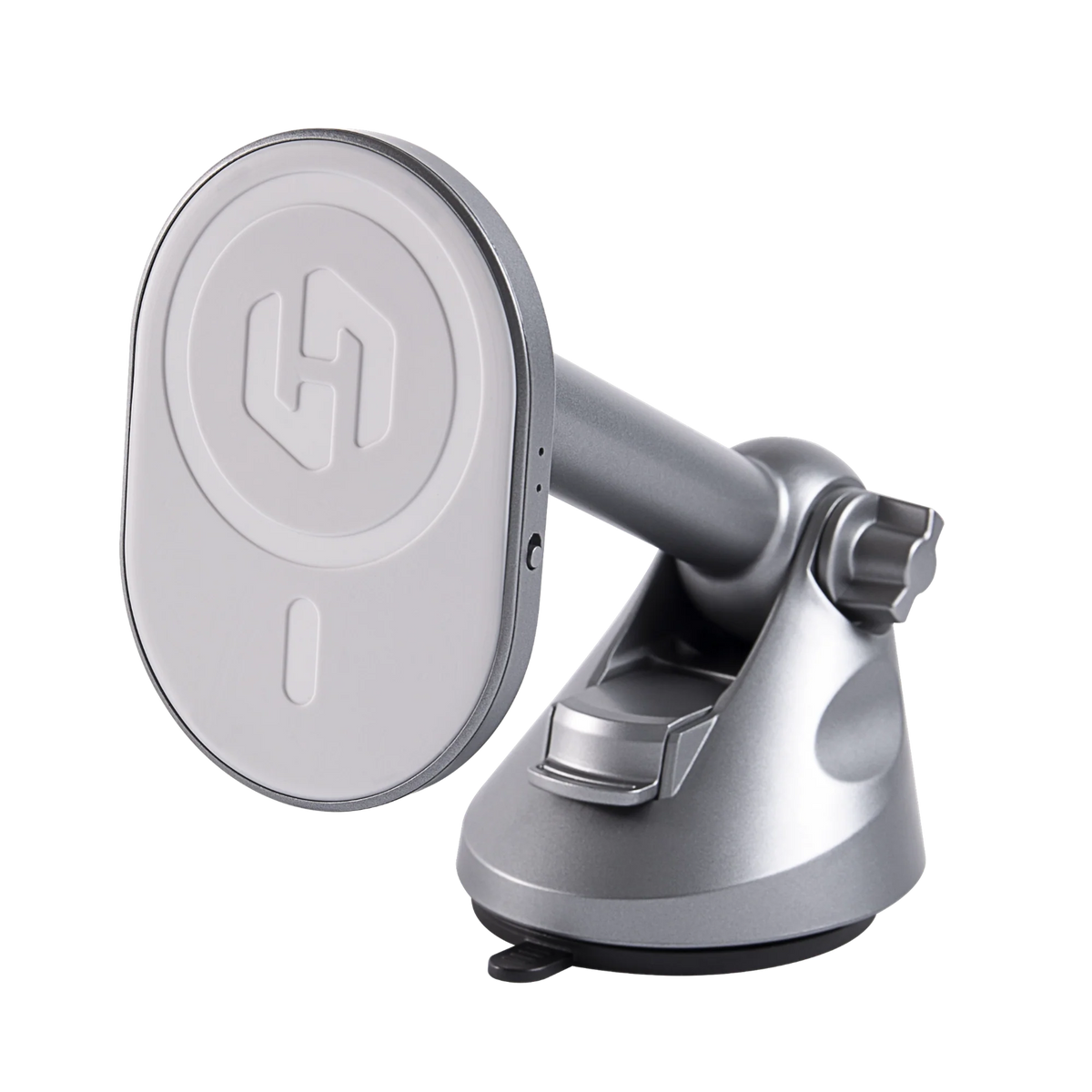
If your wireless CarPlay comes from an adapter rather than the car itself, the adapter holds its own pairing with your iPhone. After a major iOS update, forget the adapter in Settings → General → CarPlay and in your Bluetooth list, unplug it for ten seconds, then pair again. It's also worth checking the adapter maker's app or site for a firmware update — adapter firmware is regularly updated to track iOS changes. The HexaCharge Complete Kit handles this with over-the-air firmware updates, and because it combines the adapter with a MagSafe charging mount, your phone stays powered and in a legal, visible position while you drive. It ships worldwide with free shipping and duties paid. Not sure an adapter suits your car? Run it through our compatibility checker first — the honest answer is that a car needs factory wired CarPlay for an adapter to work.

If it connects but keeps dropping
A connection that works and then cuts out mid-drive is a different problem from one that never starts. For that, see our guide to CarPlay disconnection fixes. And if your car only ever had wired CarPlay and you're weighing the wireless route, our walkthrough on adding wireless CarPlay to a wired-only car covers what to expect.
The short version
Restart both devices, check Siri and Screen Time restrictions, forget and re-pair on both ends, and use the cable test to isolate where the fault sits. Most post-update CarPlay failures are a stale pairing, not broken hardware — and a stale pairing costs nothing but five minutes to fix.
Share:
Wireless Android Auto Adapter: Requirements, Setup & Fixes
Wireless CarPlay for Citroën: C3 & C4 Guide