



Hyundai and Kia are two of Europe's best-selling brands, and they share a quirk that confuses a lot of owners: whether your car supports wireless CarPlay often depends not on the model year or trim price, but on whether it came with built-in navigation. This guide explains the rule, covers the popular EU models — i10, i20, i30, Kona and Tucson on the Hyundai side; Picanto, Ceed, Sportage and Niro for Kia — and shows how to go wireless if your car only supports a cable.
The Hyundai/Kia rule of thumb
Across both brands (they share infotainment platforms as part of the same group), the pattern for years was the opposite of what you'd expect. Cars with the standard Display Audio touchscreen and no built-in navigation — typically the smaller 8-inch unit on lower and mid trims — gained wireless Apple CarPlay and Android Auto from around 2020. Cars with the factory navigation system — usually the larger 10.25-inch screen on higher trims — supported CarPlay only over a USB cable. In other words, paying more for the bigger screen often meant losing wireless.
That started to change with the group's newer ccNC infotainment platform, introduced from roughly 2023. Models on ccNC — such as the latest Hyundai Kona and Kia's newest EV and facelifted large models — support wireless CarPlay on navigation-equipped cars too, in some cases delivered via an over-the-air update. Earlier navigation units, including the Gen 5W system used in cars like the Ioniq 5 and Kia EV6, were not included in that update and remain wired-only from the factory.
What this means for popular EU models
Apple CarPlay itself has been widely available on Hyundai and Kia in Europe since around 2017–2018 — the i20, for example, got CarPlay and Android Auto as standard from its 2018 update, and Kia rolled CarPlay across its range from 2017 onwards. So if your car is from 2018 or later, it almost certainly has CarPlay in some form. The open question is whether it's wired or wireless, and because trim levels and head units vary by country and year, the honest answer is: check your own car rather than trusting a generic year table.
The 30-second self-test: plug your iPhone in with a USB cable. If CarPlay launches on the screen, your car has wired CarPlay — and a wireless adapter will work. Then, with the cable unplugged, try pairing over Bluetooth and see whether CarPlay offers to connect wirelessly. If it does, you already have wireless built in and don't need an adapter. You can also run your registration or model through our compatibility checker for a quick answer.
Going wireless in a wired-only Hyundai or Kia
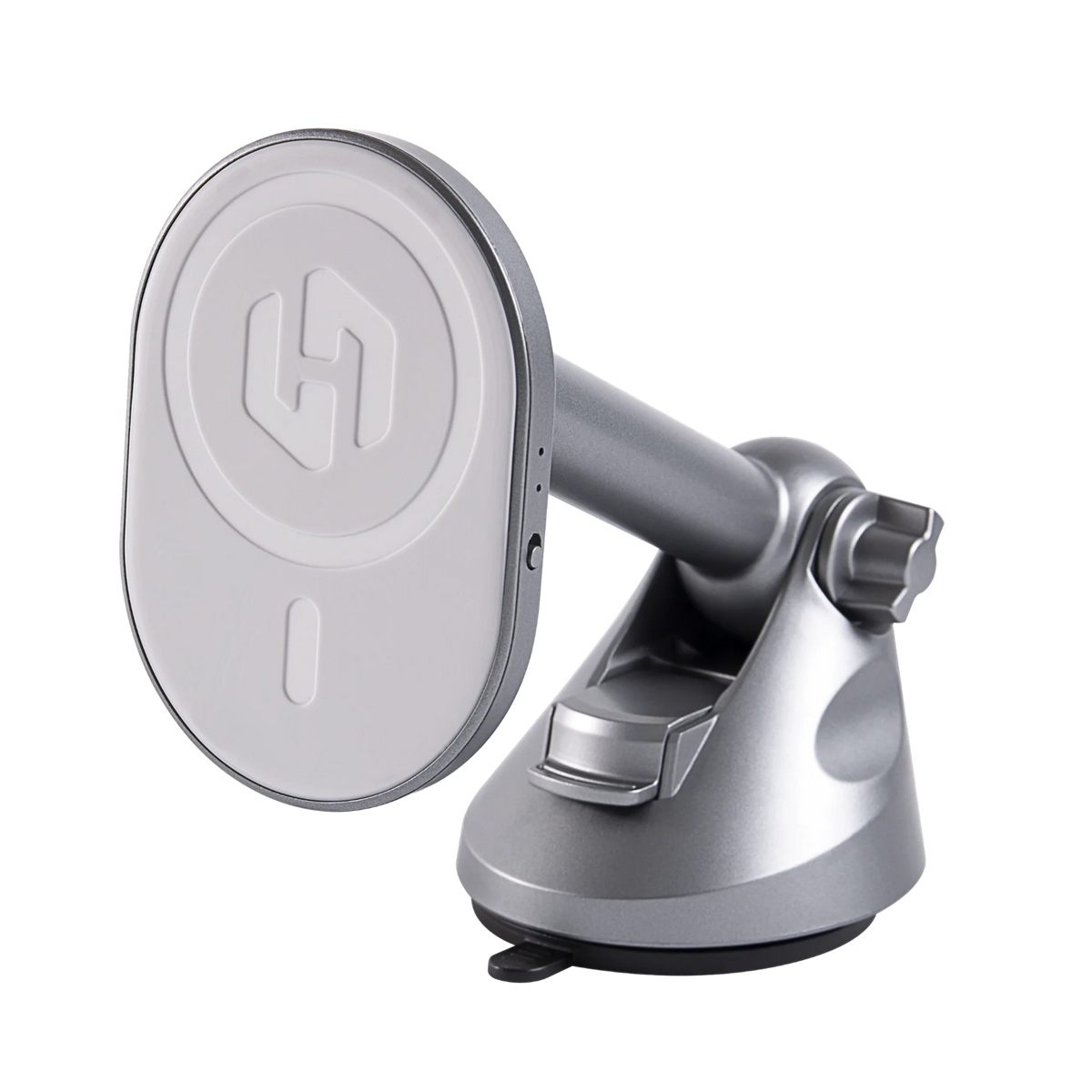
If your car falls in the wired-only group — most navigation-equipped Hyundais and Kias up to around 2023 — an adapter is the practical fix. The HexaCharge Complete Kit plugs into the USB port your phone currently uses, and from then on your iPhone or Android connects automatically when you get in. Because it's also a MagSafe charging mount, your phone charges while it streams — which answers the usual battery objection to going wireless.

Setup takes a few minutes: plug the adapter into the car's CarPlay USB port (usually near the front of the centre console — your handbook marks which port carries data, not just power), pair your phone once, and let it finish its first handshake. For the full process and troubleshooting, see our guide on adding wireless CarPlay to a wired-only car.

One mounting note for these interiors: many recent Hyundai and Kia interiors have a low, flat dashboard line, so a vent or dash position keeps the phone close to hand without blocking the screen. Android users and anyone with a non-MagSafe case can add the HexaRing booster ring so the phone snaps onto the mount securely.
Wired vs wireless: is it worth it?
Wireless CarPlay trades the cable for convenience: navigation and music start before you've left the driveway, and there's no connector wearing out. If you're weighing the trade-offs — latency, battery, reliability — our wired vs wireless CarPlay comparison goes through what actually matters in daily driving.
For Hyundai and Kia drivers across the UK and Europe, Malinto ships worldwide for free with duties paid, so the price you see at checkout is the price you pay. And if the adapter doesn't work with your head unit, our compatibility checker and support team can sort it before you order.
Compartir:
Wireless CarPlay for Fiat: 500, 500e & Panda Guide