



If your car came with CarPlay but only works when the phone is plugged in, you don't need a new head unit — and you certainly don't need a new car. A small wireless adapter converts a factory wired CarPlay connection into a wireless one, usually in under five minutes. Here's how it works, what your car and phone need, and how to check compatibility before you spend anything.
First, confirm your car qualifies
A wireless adapter doesn't add CarPlay to a car that never had it. It converts an existing wired CarPlay connection into a wireless one. So the one requirement that matters is that your car's infotainment system already runs CarPlay over a cable.
The self-test takes thirty seconds: plug your iPhone into the car's USB port with a cable. If CarPlay launches on the dashboard screen, your car qualifies and an adapter will work. If nothing happens, check that CarPlay is enabled in your car's settings menu first — some cars ship with it switched off — and make sure you're using a data-capable cable in the correct USB port (some vehicles have one port for charging only and one for data).
Note that compatibility comes down to the head unit, not just the badge on the bonnet — two cars of the same model and year can behave differently depending on infotainment version and trim. If you'd rather check before ordering, run your car through our compatibility checker.
How the adapter actually works

The adapter plugs into the same USB port you'd normally use for your cable. Your car still believes it's talking to a plugged-in phone; the adapter handles the wireless side. Your phone pairs with the adapter over Bluetooth, then the actual CarPlay data travels over a fast Wi-Fi connection between phone and adapter. After the first pairing, this all happens automatically every time you start the car — your phone can stay in your pocket or bag.
The honest trade-off: wireless startup isn't instant. Expect CarPlay to appear roughly 10–30 seconds after ignition depending on the adapter and your car's head unit, versus near-immediate with a cable. For most drivers that's a fair exchange for never plugging in again. We've compared the differences in detail in our wired vs wireless CarPlay guide.
What your phone needs
For iPhone, the rule is simple: if your iPhone already runs wired CarPlay in your car today, it should run wirelessly through the adapter — the adapter changes how the connection travels, not what your phone needs to support.
For Android drivers, the same conversion exists for Android Auto, with slightly stricter phone requirements: wireless Android Auto generally needs Android 11 or newer (some Google Pixel and Samsung Galaxy models manage it on Android 10), and the phone must support 5 GHz Wi-Fi — worth checking on older or budget handsets.
Setup in four steps

- Plug the adapter into the USB port your cable normally uses.
- Pair over Bluetooth — open your phone's Bluetooth settings and select the adapter.
- Approve the CarPlay prompt on your phone and, if asked, on the car's screen.
- Wait for the handoff — CarPlay appears on the dashboard within a few seconds to half a minute. From now on it connects automatically.
If the connection ever misbehaves after an update or in a Wi-Fi-dense car park, the usual culprits are easy to fix — our guide to CarPlay disconnection fixes walks through them.
One device instead of two
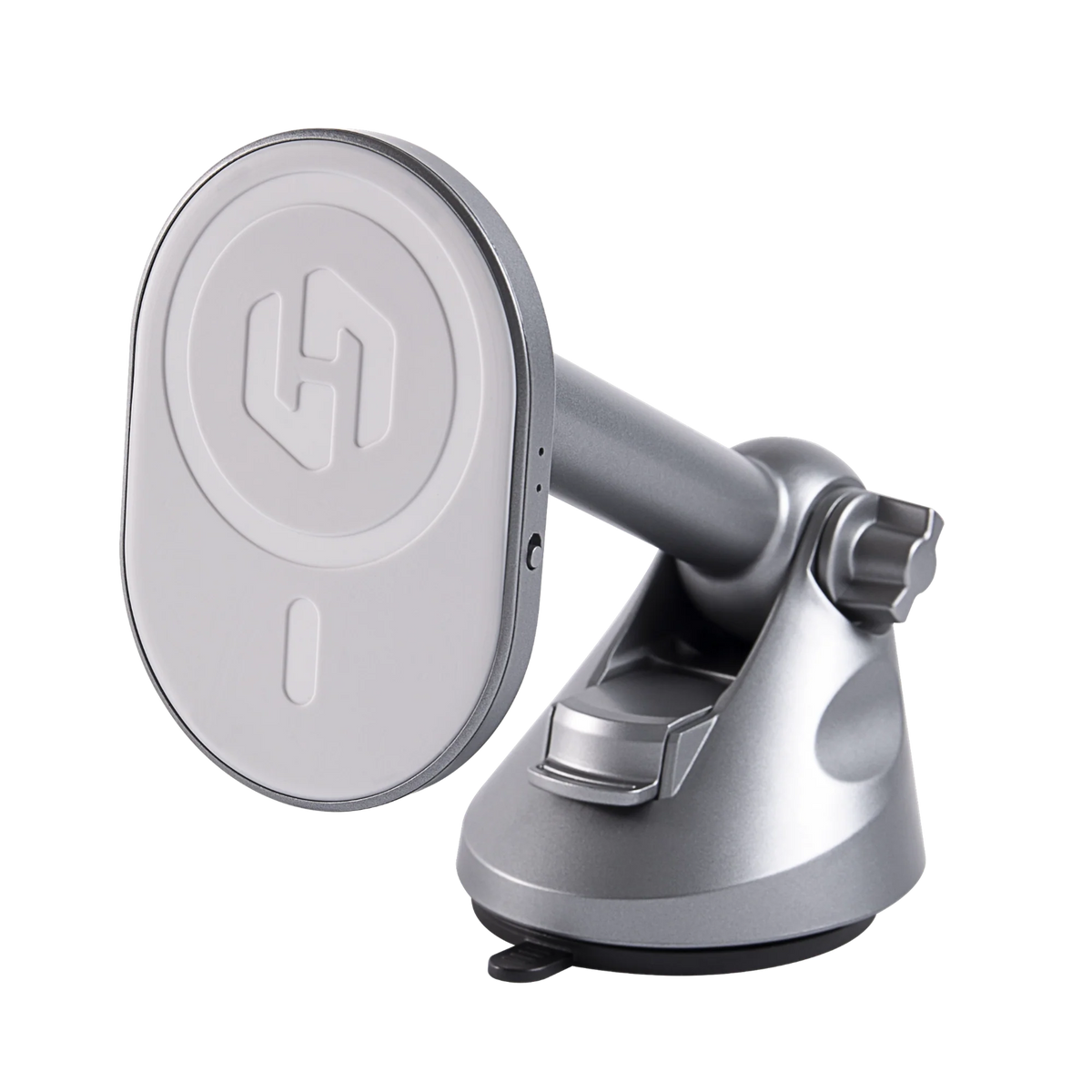
Since going wireless means your phone no longer charges through the cable, most people pair the adapter with a wireless charging mount. The HexaCharge Complete Kit combines both jobs in one device: the built-in adapter converts your wired CarPlay or Android Auto to wireless, while the MagSafe mount holds and charges your phone at the same time — solving the battery question that standalone dongles leave open. It ships with free worldwide shipping, duties paid, so UK and EU drivers pay nothing extra at the door.
The short version
Cable test first: if wired CarPlay works, wireless will too. Plug in an adapter, pair once over Bluetooth, and every drive after that starts hands-free. Add wireless charging via a mount — or choose a combined unit — and the cable stays in the glovebox for good.
Compartir:
Wireless CarPlay for Toyota: Which Models & Years Work
MagSafe Car Mount: Vent vs Dash vs Windscreen