



Few things are more maddening than CarPlay dropping mid-navigation. The causes are surprisingly consistent — here are the seven fixes that solve the vast majority of disconnects, in the order you should try them.
1. Replace (or bypass) the cable
For wired CarPlay, a worn or non-MFi cable is the #1 culprit by a wide margin. Cables fail invisibly — they still charge but drop data. Test with a new, certified cable before blaming anything else. If disconnects vanish, you found it. (This failure mode is also a common reason drivers switch to a wireless adapter: no cable, no cable wear.)
2. Clean the USB port
Pocket lint and dust compact into the car's USB port and the phone's connector. A careful pass with a wooden toothpick and a blast of compressed air fixes more “random” disconnects than any software step.
3. Keep Wi-Fi and Bluetooth ON for wireless CarPlay
Wireless CarPlay pairs over Bluetooth and streams over Wi-Fi. If you toggle Wi-Fi off from Control Center (or an automation does it), the connection dies. Also disable Settings → Wi-Fi → Auto-Join hotspots if your phone keeps jumping to a nearby network mid-drive.
4. Forget and re-pair
On the phone: Settings → General → CarPlay → select your car → Forget This Car. In the car: delete the phone from the Bluetooth/device list. Then pair fresh. Stale pairing records cause the classic connect-disconnect loop after iOS updates.
5. Update everything
iOS updates fix CarPlay bugs constantly; head-unit firmware less often but more dramatically. If you use a wireless adapter, check its firmware too — quality adapters ship over-the-air updates (HexaCharge updates take about two minutes via its companion page).
6. Turn off USB power-saving in the car
Some vehicles cut USB power at idle or during start-stop events, killing wired CarPlay and some adapters momentarily. Look for “USB power management” or similar in the infotainment settings and disable it.
7. Rule out the phone case
Thick cases with magnets or metal plates can interfere with connectors seating fully (wired) — and with wireless charging alignment if you use a charging mount. MagSafe-compatible cases, or a HexaRing properly aligned, solve the charging half.

When it's the setup, not a fault
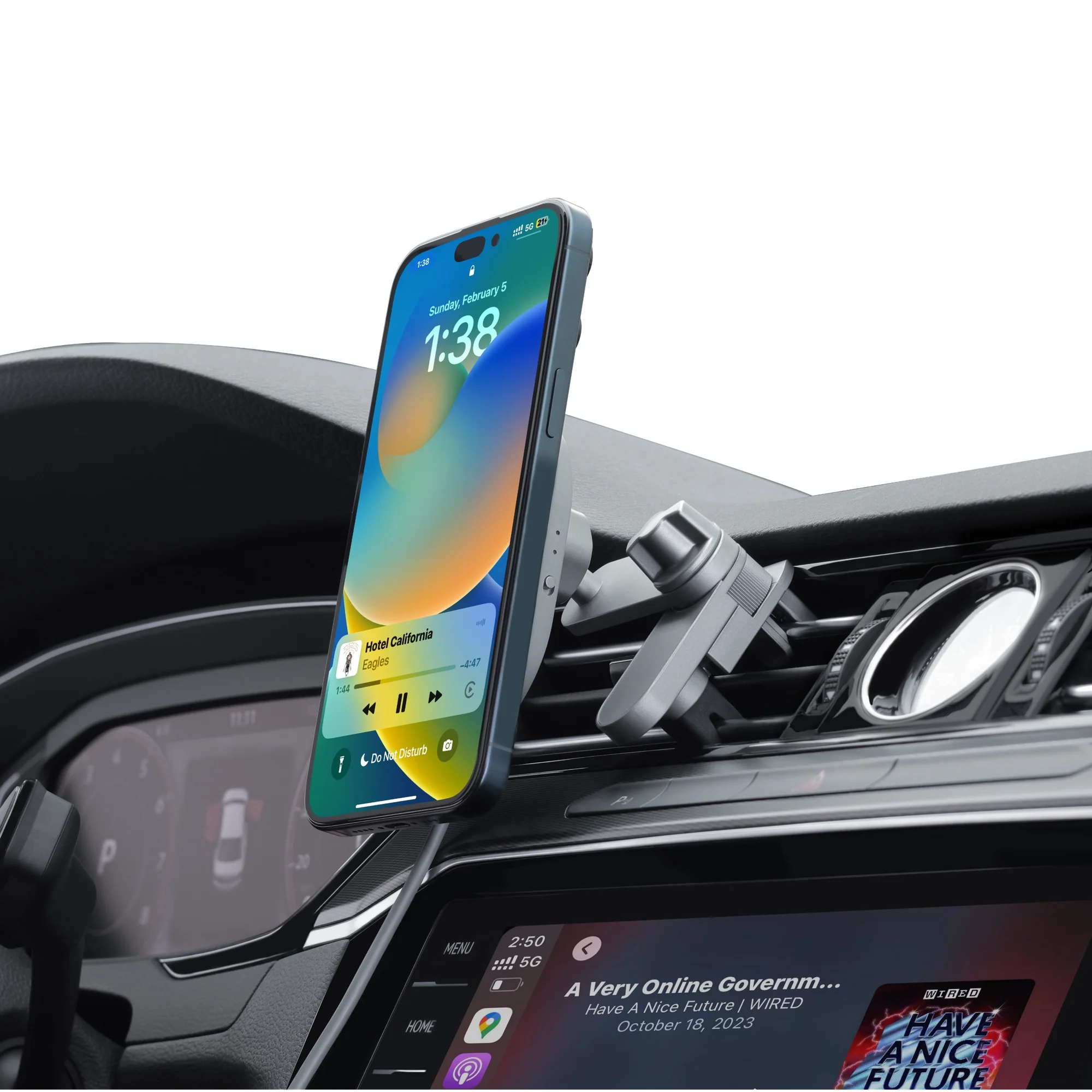
If you're fighting a fraying cable and a phone sliding around the cupholder, the durable fix is architectural: a wireless adapter with an integrated MagSafe charging mount — one device that connects automatically, holds the phone at eye level, and charges it the whole drive. That's the HexaCharge Complete Kit, and it carries a 2-year warranty and 30-day returns if it doesn't fix your particular gremlin.
More guides: Is your car compatible? · Wired vs wireless CarPlay
Comparter:
Wired vs Wireless CarPlay: Battery Drain, Lag, and What Actually Matters
Wireless CarPlay for Vauxhall & Opel: Corsa, Astra, Mokka