



Fiat's city cars are everywhere on European streets, but their infotainment story is more varied than most brands'. Depending on the year and trim, a Fiat 500 or Panda might have wired CarPlay, wireless CarPlay built in, or no smartphone integration at all. This guide covers which models support Apple CarPlay and Android Auto, and how to make a wired system wireless with an adapter.
The quick answer
A wireless CarPlay adapter works in any Fiat that already has factory wired CarPlay. In practice, that means a petrol 500 with the Uconnect 7-inch HD LIVE touchscreen (available from the 2017 Mirror editions onwards), or a Panda with the 7-inch touchscreen introduced in the 2021 update. The electric 500e with Uconnect 5 already has wireless CarPlay on its top trims, so it doesn't need an adapter at all — just a decent mount.
Fiat 500 (petrol): 2017 onwards
The classic 500 gained Apple CarPlay and Android Auto with the Uconnect 7-inch HD LIVE touchscreen, which first arrived on the 500 Mirror special editions in 2017. By 2019, Fiat made this system standard from Lounge trim upwards, and higher trims like Star and Rockstar included it with built-in navigation.
Two caveats. First, the connection is wired — you plug your phone into the USB port every trip. That's exactly the setup a wireless adapter upgrades: the adapter stays plugged into the USB port, your phone connects over Bluetooth and Wi-Fi, and CarPlay starts automatically when you get in. Second, lower trims and pre-2017 cars often came with a smaller screen or a basic radio without CarPlay — and if the car has no factory CarPlay, no adapter can add it. The screen itself has to support it.
The self-test: plug your iPhone into the car's USB port with a cable. If CarPlay launches on the screen, a wireless adapter such as the HexaCharge Complete Kit will work. If nothing happens, your Uconnect unit doesn't support CarPlay, and an adapter won't change that.

Fiat 500e (electric, 2020 onwards): already wireless
The new electric 500 runs Uconnect 5 with a 10.25-inch touchscreen, and Apple CarPlay and Android Auto work wirelessly on the top trims — reviewers confirm the wireless connection on higher-spec cars such as La Prima. The entry-level Action originally launched with a phone cradle instead of a touchscreen, so if you're looking at an early base car, check what's actually fitted before assuming anything.
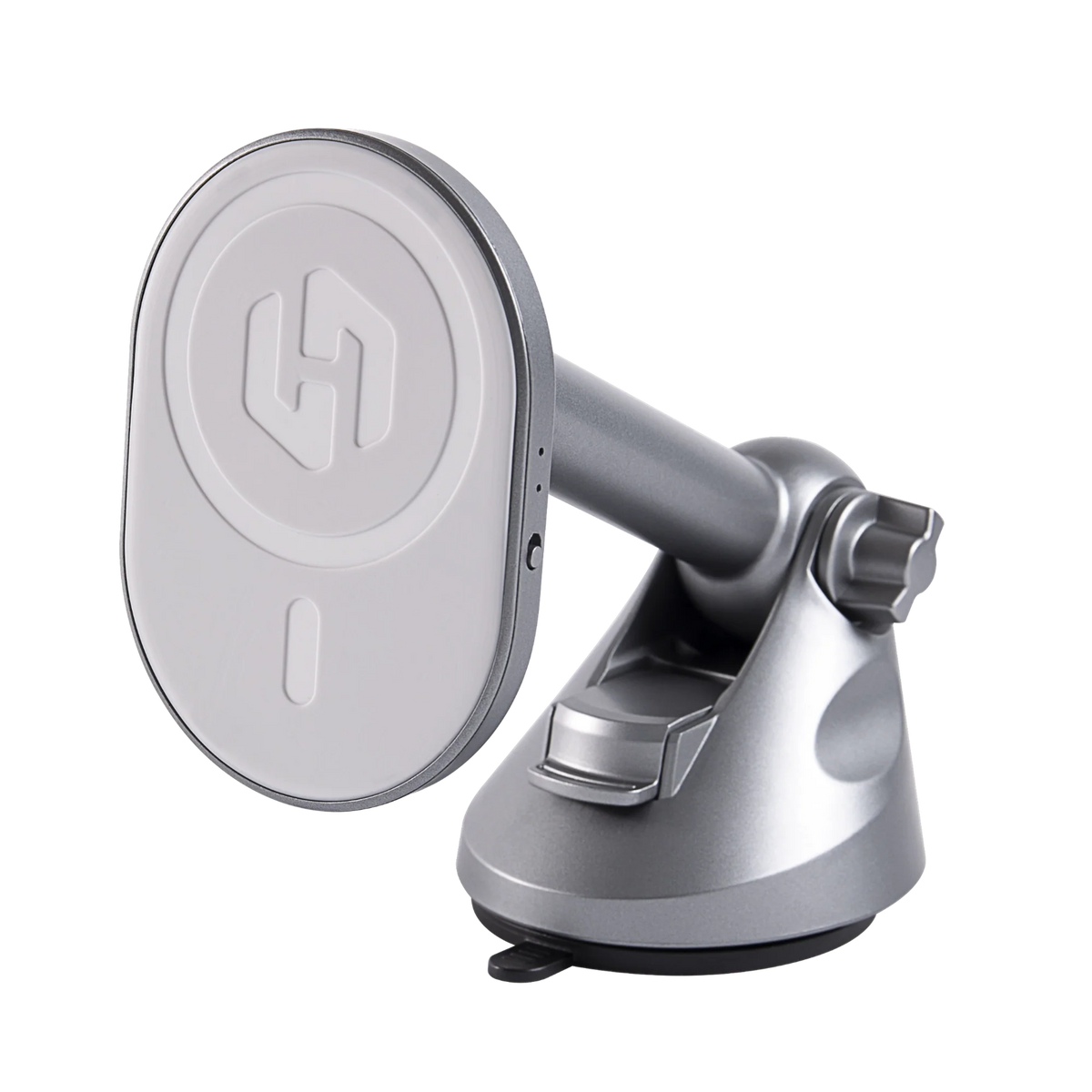
If your 500e already connects wirelessly, skip the adapter. What 500e owners usually do want is somewhere stable to put the phone, since wireless CarPlay doesn't charge it. A MagSafe charging mount solves both problems, and in a cabin as compact as the 500's, a telescopic dash mount lets you position the phone without blocking a vent.
Fiat Panda: 2021 onwards
The Panda went longest without proper smartphone integration. The 2021 update finally brought a 7-inch touchscreen with Apple CarPlay and Android Auto compatibility, plus DAB radio. Earlier Pandas generally made do with a simpler radio and no factory CarPlay, so for a pre-2021 car the honest answer is that an adapter won't help — the cable self-test above settles it either way.
For 2021-onwards Pandas, Fiat's published material doesn't consistently state whether the connection is wired or wireless, and it may vary by market and build date. Again: plug in a cable. If CarPlay runs wired, an adapter will make it wireless.

Setting it up in a Fiat
Setup takes a few minutes: plug the adapter into the USB port your cable normally uses, pair your phone once over Bluetooth, and from then on CarPlay or Android Auto starts automatically within seconds of starting the car. The first connection sometimes asks you to confirm a prompt on the Uconnect screen — after that it's hands-off. If you've previously paired the phone directly to the car, delete that old Bluetooth pairing first; it's the most common cause of a confused first connection. More detail in our guide to adding wireless CarPlay to a wired-only car.
Fiat's small cabins reward a tidy mount position. The 500's upright dashboard suits a vent or low dash mount that keeps the phone clear of the windscreen — our guide to vent vs dash vs windscreen mounting weighs up each position in detail.
Before you buy
If you're unsure which Uconnect system your Fiat has, run your car through our compatibility checker or simply do the cable test. The HexaCharge Complete Kit ships free worldwide with duties paid, so UK and EU buyers pay nothing extra at the door.
Comparter:
Wireless CarPlay for SEAT & Cupra: Which Models Work