



Ford's Fiesta, Focus and Puma are three of the most common cars on European roads, and all three can run Apple CarPlay and Android Auto — but whether the connection is wired or wireless depends entirely on which infotainment system your car left the factory with. Here's how to tell what you have, and how to go wireless if your Ford only supports a cable.
The short version: SYNC 3 is wired, SYNC 4 is wireless
Across the European Ford range, the dividing line is the SYNC generation. SYNC 3 — the 8-inch touchscreen system fitted to most Fiestas, Focuses and Pumas — supports CarPlay and Android Auto over a USB cable only. SYNC 4, which arrived with the bigger widescreen displays on later cars, added wireless CarPlay and wireless Android Auto as standard. If your Ford runs SYNC 3, a wireless adapter is the way to lose the cable without touching the head unit.
Ford Fiesta (Mk8, 2017–2023)
The Fiesta gained CarPlay and Android Auto with SYNC 3 on the Mk8 generation from 2017. Earlier Fiestas with SYNC 1 or SYNC 2 don't support either system. The Fiesta kept SYNC 3 — and its wired-only connection — through to the end of production in 2023, so effectively every CarPlay-capable Fiesta connects by cable from the factory. That makes it a textbook candidate for a wireless adapter: plug the adapter into the USB port once, and your phone connects automatically every time you get in.
Ford Focus (Mk4, 2018 onwards)
The Mk4 Focus launched in 2018 with SYNC 3 and wired CarPlay/Android Auto. The 2021 facelift brought a 13.2-inch touchscreen running SYNC 4, which supports wireless CarPlay and wireless Android Auto natively. So: pre-facelift Focus (roughly 2018–2021 build dates) — wired, adapter recommended; facelift Focus with the big screen — wireless already built in, no adapter needed.
Ford Puma (2020 onwards)
The Puma launched with the familiar 8-inch SYNC 3 screen and wired smartphone connection. The 2024 facelift replaced it with a 12-inch touchscreen and a 12.8-inch digital cluster, and wireless CarPlay and Android Auto came with it. If your Puma has the smaller screen sitting on top of the dash, it's SYNC 3 and wired; if it has the wide iPad-style display, you already have wireless.
Not sure which system you have? Two quick self-tests
Trim levels and build dates overlap around facelift years, so don't rely on the registration year alone. First test: plug your phone in with a cable — if CarPlay or Android Auto launches over USB, your car is adapter-compatible. Second test: check the settings menu — SYNC 3 shows an "Apple CarPlay Preferences" entry under Settings, while SYNC 4 cars list wireless phone connection options directly. You can also run your car through our compatibility checker in under a minute.

Going wireless in a SYNC 3 Ford
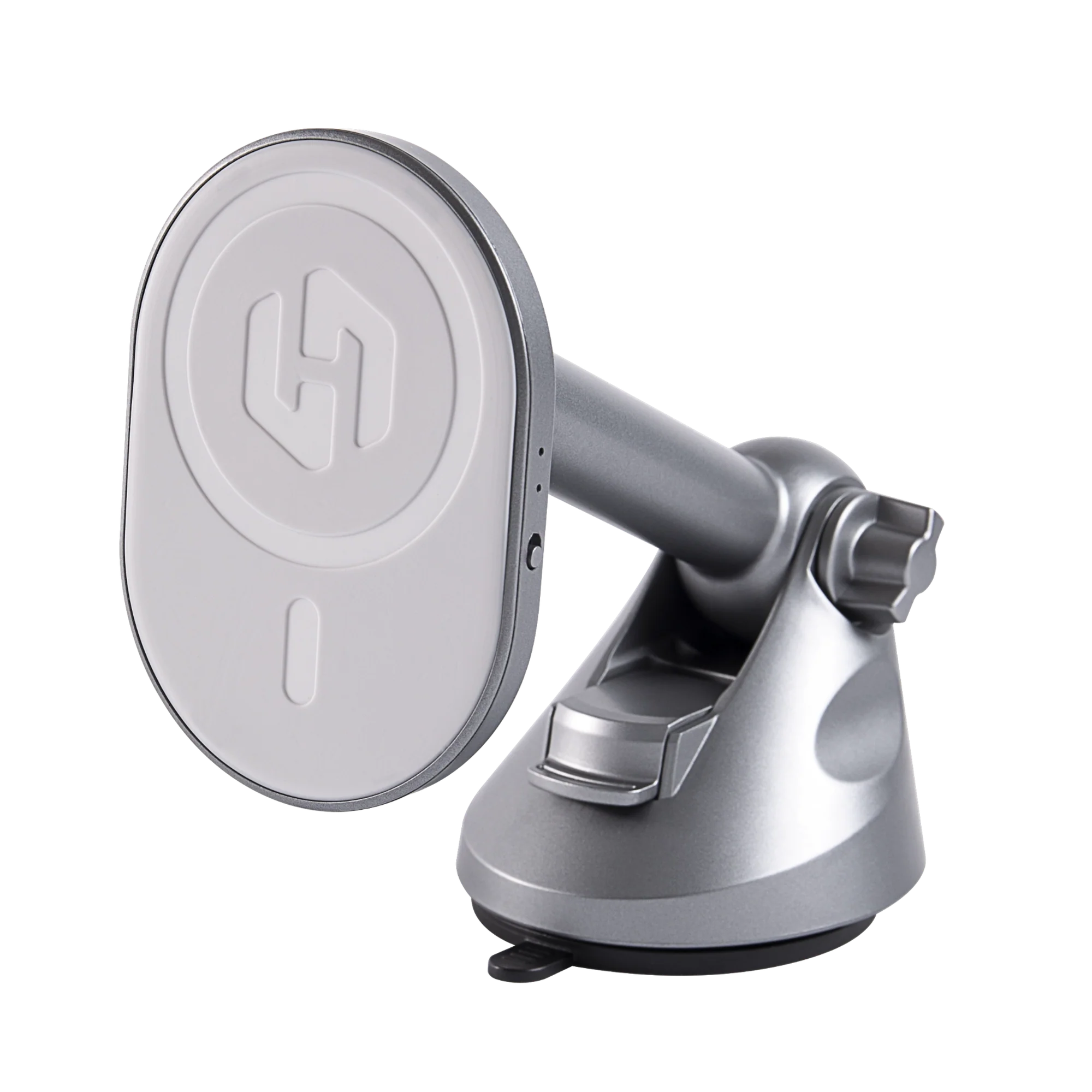
The HexaCharge Complete Kit pairs a wireless CarPlay/Android Auto adapter with a MagSafe charging mount. The adapter plugs into the Fiesta, Focus or Puma's USB port and bridges your phone to SYNC 3 wirelessly, while the mount holds and charges the phone — useful because wireless CarPlay does use some battery on longer drives (we've covered the details in our wired vs wireless CarPlay guide). Setup is a one-time pairing: plug in the adapter, connect your phone over Bluetooth, and from then on CarPlay starts on its own within seconds of starting the car.
One practical note for the Fiesta and Puma: the vent louvres on some trims are quite slim, so if you'd rather not use the vent, the HexaDash telescopic dash mount puts the phone at windscreen height instead — a popular position in right-hand-drive cars, as we covered in our RHD mounting guide.

Before you buy: the one-minute checklist
Confirm your car launches CarPlay or Android Auto over a cable today — that's the only hard requirement for the adapter. Check your SYNC 3 software is reasonably current (Settings → General → About SYNC); Ford distributes updates over Wi-Fi or USB if it isn't. And if your Ford already has SYNC 4 with wireless built in, skip the adapter — a charging mount is all you need.
We ship across Europe and worldwide with free shipping and duties paid, so UK and EU orders arrive with nothing extra to pay at the door.
Share:
Wireless CarPlay for Peugeot: 208, 2008 & 3008 Guide
Wireless CarPlay for Toyota: Which Models & Years Work