



Wireless Android Auto is one of those upgrades you feel every single drive: get in, start the engine, and your navigation and music appear on the dashboard screen with your phone still in your pocket. If your car only supports Android Auto over a USB cable, a wireless adapter is the simplest way to get there — no new head unit, no installation. Here is what your phone and car actually need, how setup works, and how to solve the most common problems.
What your phone needs
Google's requirements for wireless Android Auto are stricter than for the wired version. According to Google, wireless projection works with any phone running Android 11 or later, provided the phone supports 5 GHz Wi-Fi — the wireless connection runs over a direct 5 GHz link, so this is not optional. Some earlier combinations also qualify: Google Pixel and Samsung Galaxy phones on Android 10, and a handful of Samsung models (such as the Galaxy S8 and Note 8) on Android 9.
One note for our European readers: Google points out that in the EU, phones must also meet local regulatory standards for the 5 GHz band, and lists Pixel 3 and newer as meeting them. In practice, almost any mainstream phone sold in Europe with Android 11 or later works — but if your phone is older or was imported from outside the EU, it is worth a quick check in your Wi-Fi settings that 5 GHz networks are visible.
What your car needs
This is the part most buyers miss: a wireless adapter does not add Android Auto to a car that never had it. It converts an existing wired Android Auto connection into a wireless one. Your car (or aftermarket stereo) must already support Android Auto over USB — whether it does depends on the infotainment system and model year, which is exactly what our compatibility checker is for.
There is also a 30-second self-test that settles it definitively: plug your phone into the car's data USB port with a good cable. If Android Auto launches on the dashboard screen, an adapter will work in that car. If nothing happens, check that you used the correct port (often marked with a smartphone icon) and a data-capable cable before ruling it out.
How setup works

Setup with an adapter like the HexaCharge Complete Kit takes a few minutes, once: plug the adapter into the USB port your cable used, pair your phone with the adapter over Bluetooth, and accept the Android Auto prompts on your phone and dashboard screen. The connection then hands over to 5 GHz Wi-Fi for the actual projection. From the next drive onwards it connects automatically — just keep Bluetooth and Wi-Fi enabled on your phone.
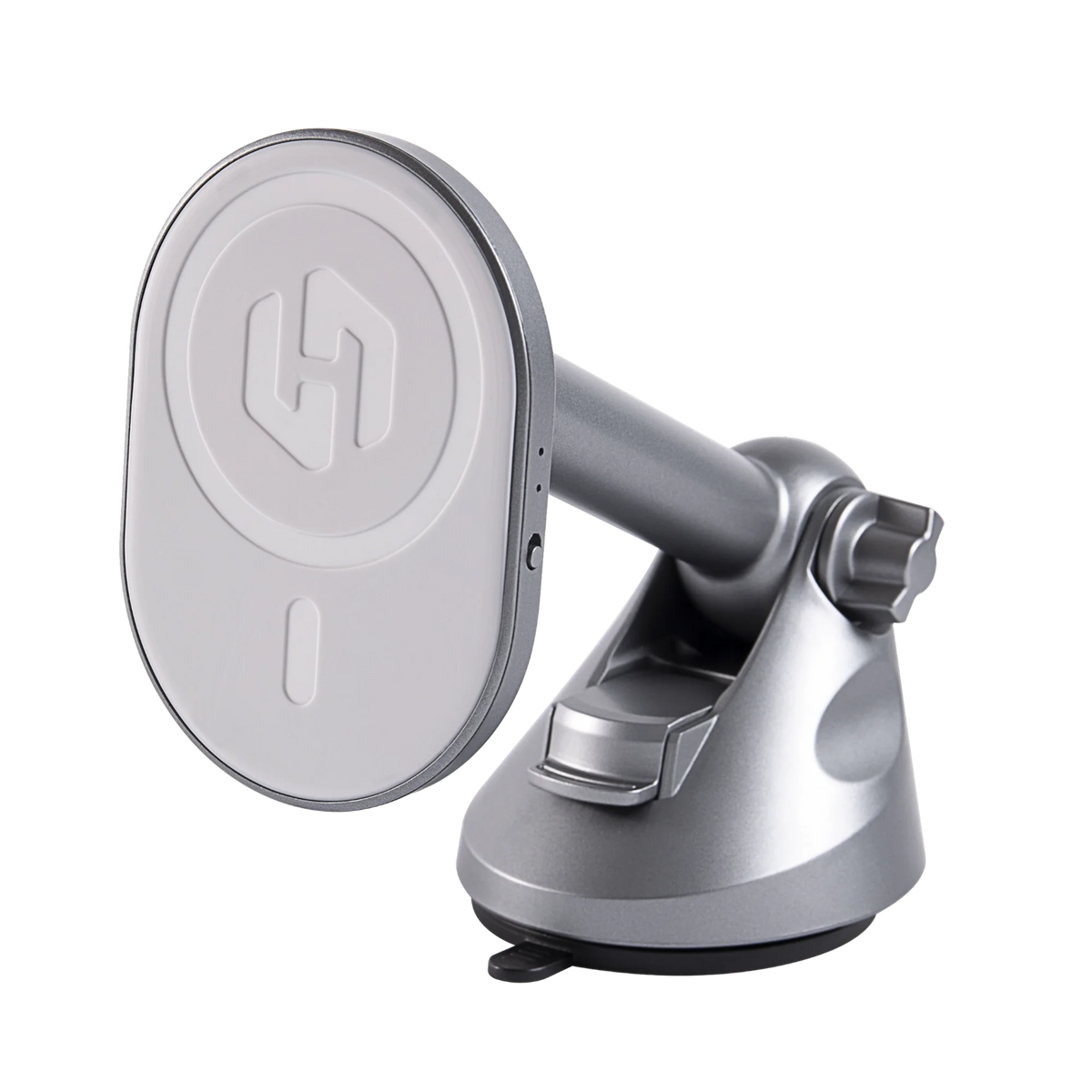
Because your phone stays in your pocket or on a mount rather than plugged in, pairing the adapter with wireless charging makes sense. The HexaCharge kit combines both in one unit; Android phones without built-in magnets can add the HexaRing magnetic booster ring to snap onto the mount securely.

Common problems and fixes
Phone won't pair the first time. Toggle Bluetooth off and on, or unplug and replug the adapter. First-time pairing is the fussiest step; once completed, reconnection is automatic.
Occasional dropouts. The 5 GHz link can briefly suffer interference in dense areas. Deleting old Android Auto car profiles on the phone and re-pairing cleanly resolves most recurring cases. If your car previously disconnected even on a cable, see our guide to connection fixes — most of the logic applies to Android Auto too.
Phone runs warm. Streaming projection over Wi-Fi uses roughly similar power to a mobile hotspot, so mild warmth is normal. Wireless charging on the mount keeps the battery topped up regardless — we compared the trade-offs in our wired vs wireless article.
Adapter not detected. Use the car's data USB port, not a charge-only port. If wired Android Auto works on that port, the adapter will too.
The bottom line
If your phone runs Android 11 or newer and your car passes the cable self-test, wireless Android Auto is a one-time, few-minute setup. The HexaCharge Complete Kit handles wireless Android Auto and wireless CarPlay in one device — useful for mixed iPhone/Android households — and ships worldwide with free shipping, duties paid, so EU and UK orders arrive with no surprise charges.
Share:
MagSafe Car Mount: Vent vs Dash vs Windscreen
CarPlay Not Connecting After iOS Update? What to Do